- Year
- 2026
- Type
- Home Assistant
LED curtain
A 20×20 LED curtain controlled from Home Assistant with custom patterns and animations.
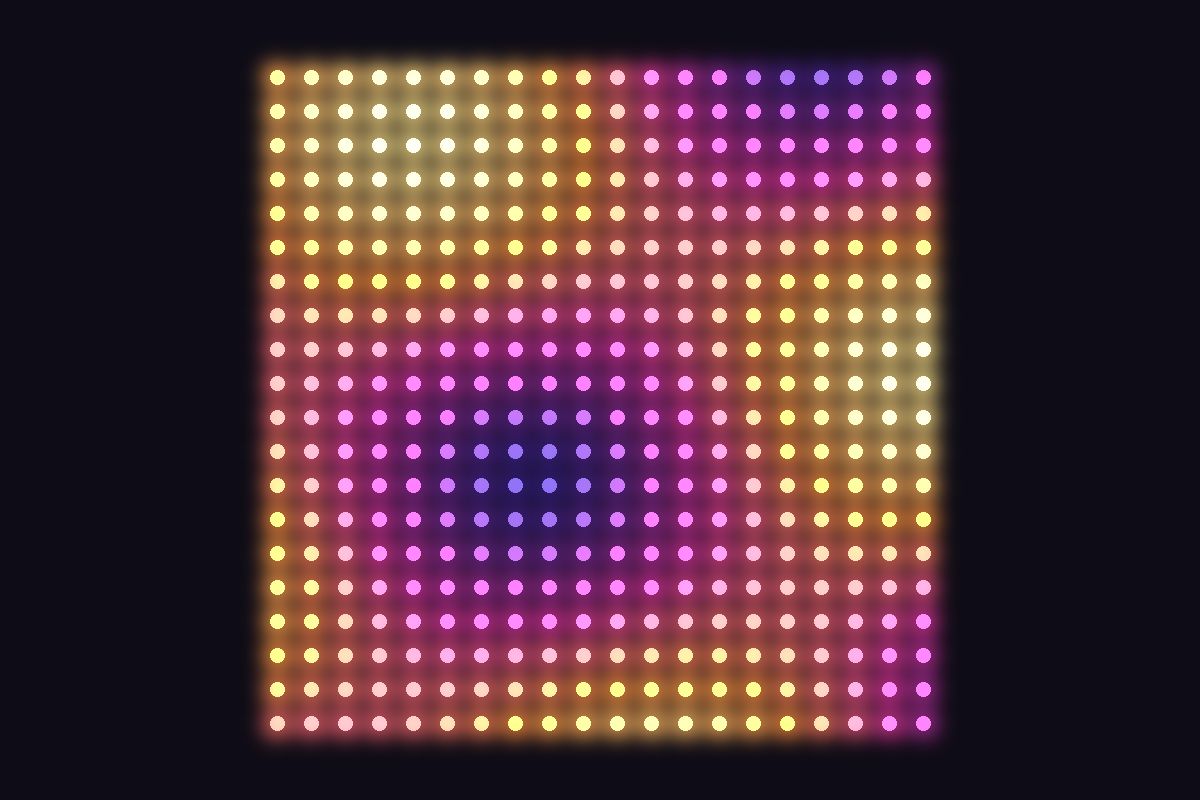
The LED curtain is a Hello Fairy curtain: 20 strands with 20 LEDs each, so a tiny display of 400 pixels. Out of the box it is controlled over Bluetooth from a phone app, with a set of built-in effects. I wanted it to show my own pictures, and to know on its own what to show and when. So now Home Assistant runs it: weather and the time on normal days, an Advent calendar in December, a countdown on New Year’s Eve, and a live map of the sky whenever the International Space Station flies over.
Drawing on 400 pixels
Home Assistant talks to the curtain over Bluetooth Low Energy. It switches the curtain into its drawing mode, sends one full frame of 400 colour values and then tells the curtain how to play it back: still, blinking, “breathing”, or scrolling up, down, left or right. The scrolling runs on the curtain itself, so a single frame is enough for an animation like falling snow.
To make pictures easy to write, every scene is a small text grid: 20 lines of 20 characters, one character per LED. A . is off, W is white, R red, G green, Y gold, I ice blue and so on. This is the snowfall scene, which scrolls downwards in a loop:
..I......W..........
.IWI................
..I.............W...
...........I........
...................I
.....W......I.......
...........IWI......
...I........I.......
..................W.
.W...........I......
The top half of the snowfall scene – each I with its W neighbours is a small snowflake.
One script turns these grids into colour values and sends them to the curtain. Because the curtain is seen from the other side, it can mirror every picture horizontally (and swap left and right scrolling) with a single switch. Numbers – clock, Advent days, countdowns – are drawn with a small 3×5 pixel font.
Everyday program
On normal days the curtain runs in the morning and in the evening and switches between two views every few minutes:
- Weather – an icon for the current conditions plus the outside temperature. It is redrawn as soon as the weather changes or the temperature crosses a whole degree.
- Clock – the current time. To make the minute change right on time, the next frame is prepared and sent at second 54 of every minute.
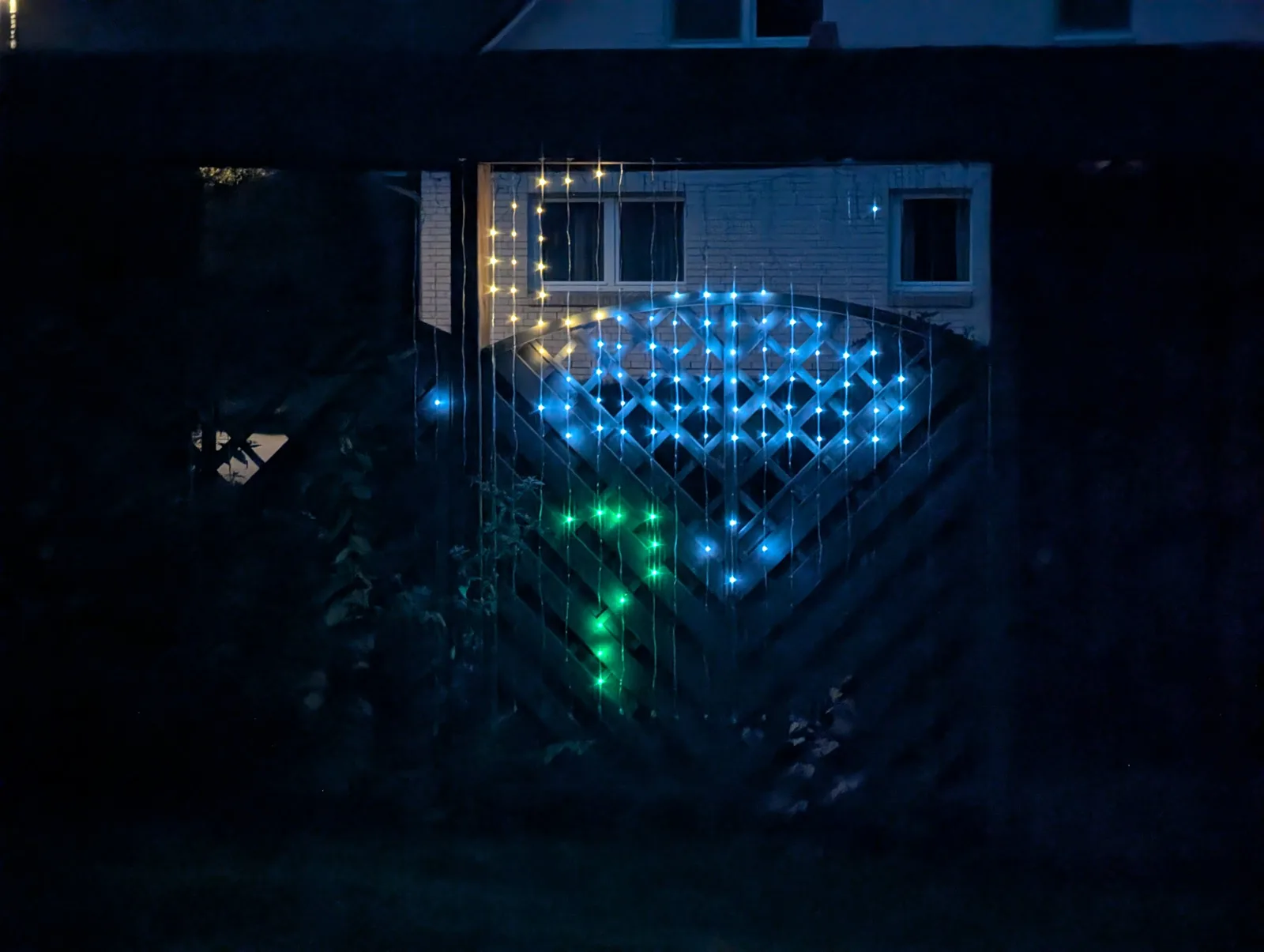 The weather view on an overcast evening: a cloud for the current conditions and the outside temperature below it. The colour of the digits depends on the temperature – green means 5 to 14 °C.
Switched on by the solar panels
Instead of fixed times, the curtain asks my solar panels when it gets dark. In the evening it starts as soon as the solar power stays below 40 W for five minutes (not before 3 pm, and at the latest at sunset). In the morning it switches off once the panels produce more than 40 W again (at the latest one hour after sunrise). If it is already light when the morning program would start, it simply skips it.
Christmas
From the first Sunday of Advent until 26 December, the evening belongs to the Christmas program. It rotates through 20 scenes – a Christmas tree, snowfall, a snowman, a star, an Advent wreath, presents, a reindeer, gingerbread man, fairy lights – and a few Swedish ones: an elk, the Swedish flag, a Dala horse, a Yule goat, a Lucia crown, a tomte, a candle bridge and “God Jul”. From 1 to 24 December every other view is the door of the day, an Advent calendar number that gently pulses on Christmas Eve.
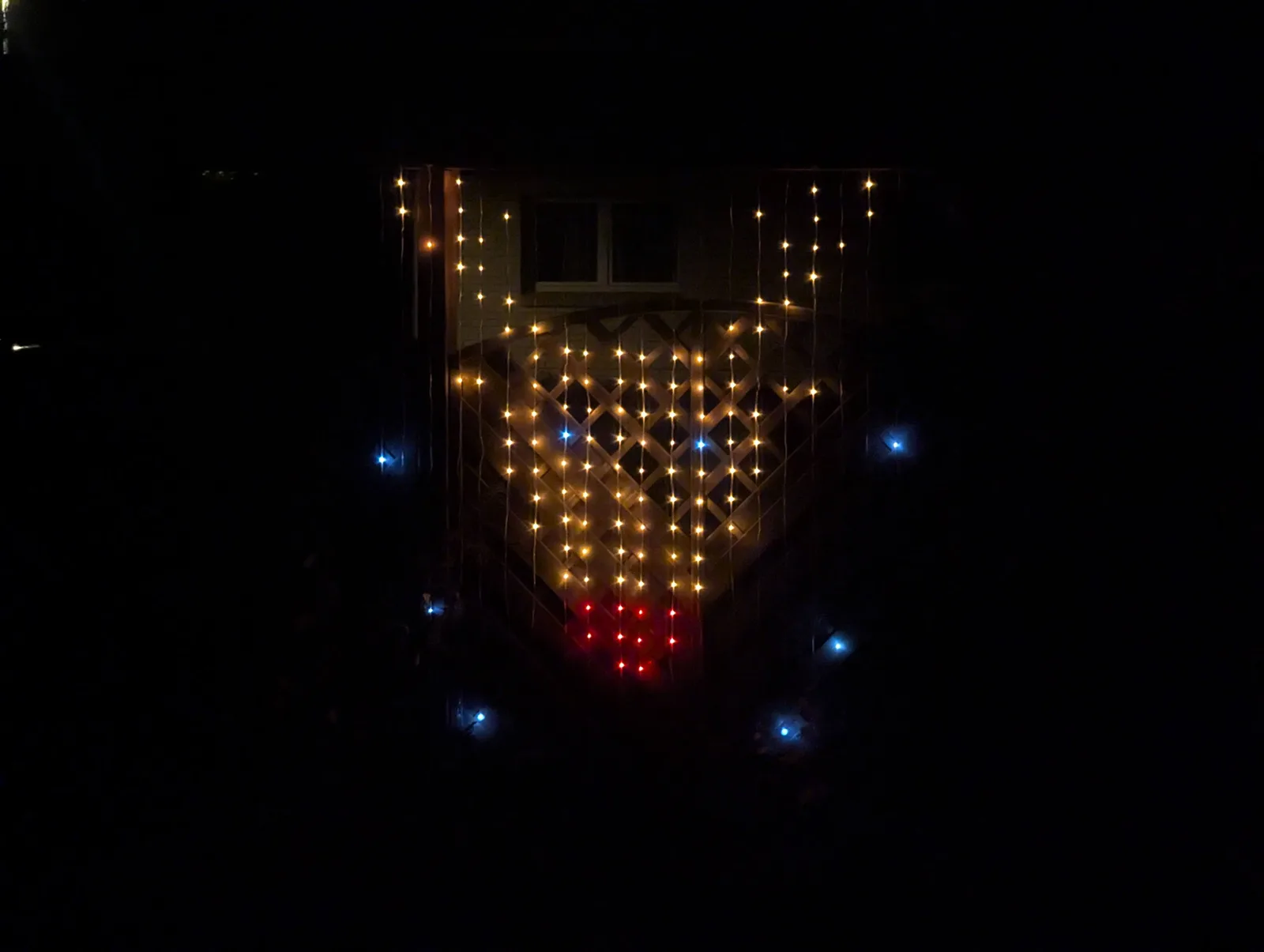 The reindeer, one of the 20 Christmas scenes – warm white with a red nose, surrounded by a few ice-blue sparkles.
New Year’s Eve
On 31 December the curtain counts down: during the evening it switches between the hours left until midnight and fireworks scenes (rockets, confetti, sparkling wine, a four-leaf clover). In the last hour it shows the minutes left, and in the final ten minutes only the blinking countdown. At midnight the new year appears together with fireworks, until the curtain switches itself off at 1 am.
ISS flyovers
The most fun part. A satellite tracking integration knows when the next visible pass of the International Space Station is. Fifteen minutes before each pass that climbs higher than 30° above the horizon, the curtain interrupts whatever it is showing. First it shows a title card for ten seconds – “ISS PASS” above a little space station with its solar panels, between twinkling stars:
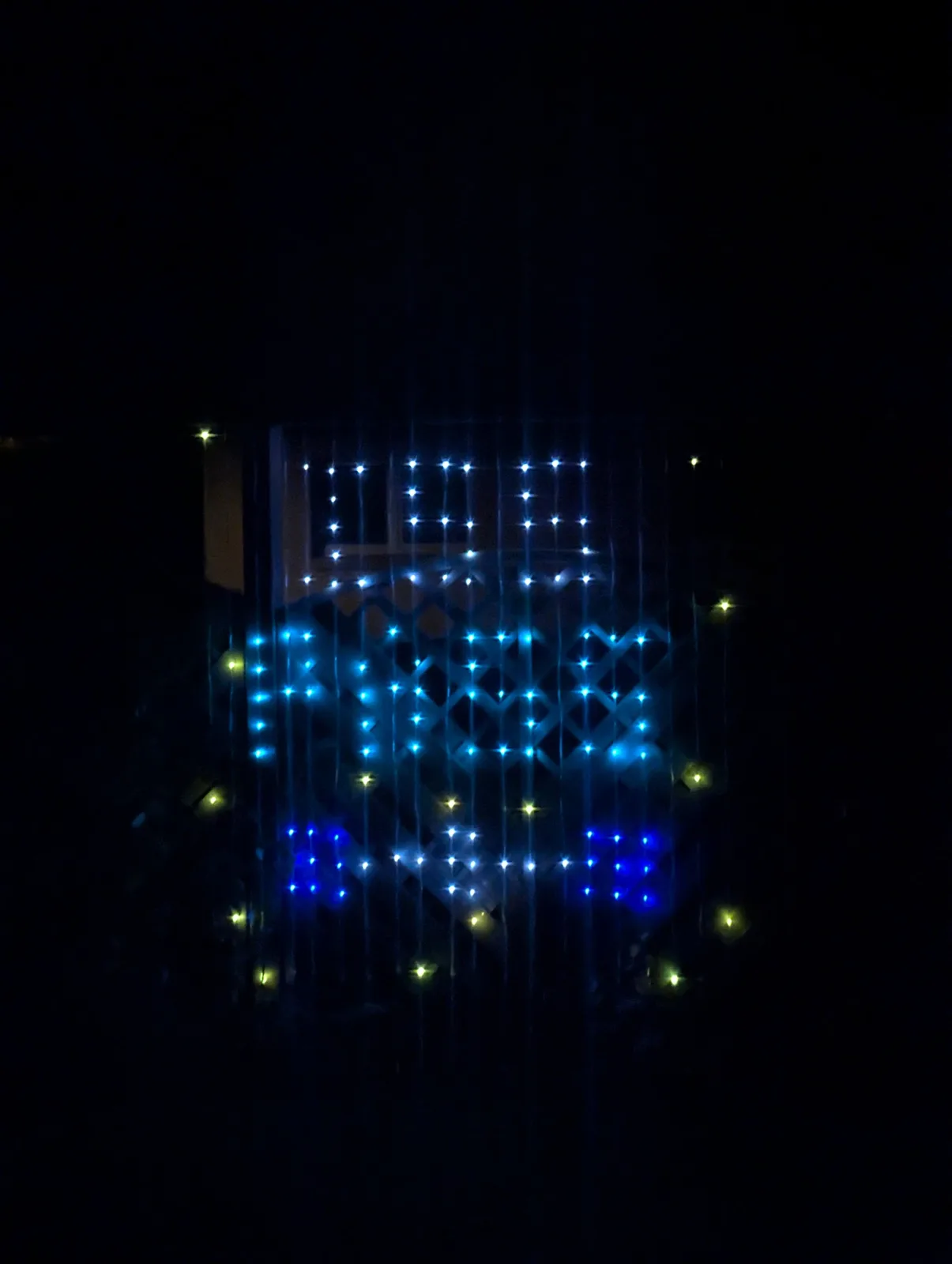 The title card that announces an ISS flyover.
Then it turns into a small map of the sky:
- a blue circle as the horizon (looking south)
- the path of the ISS across the sky in white, with a green start point and a red end point
- a green arrow pointing to where the ISS will appear
- a countdown in minutes and seconds at the top
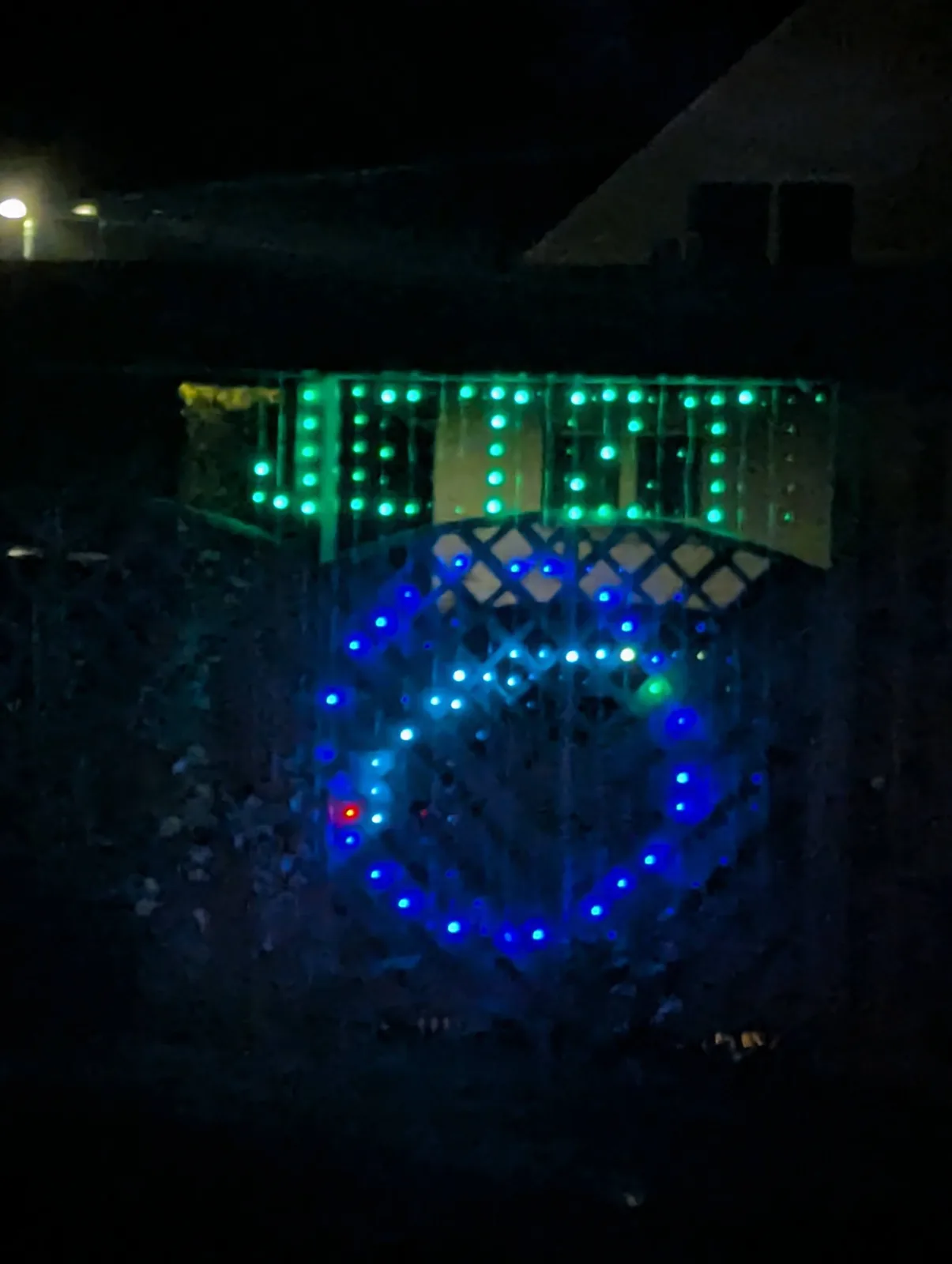 The ISS sky map: the blue circle is the horizon, the white line is the path of the station across the sky, with a green start point and a red end point. The text on top is drawn with a tiny 3×5 pixel font.
The picture is redrawn every 15 seconds. When the pass begins, the countdown turns into a green JETZT (“now”) and a yellow dot follows the ISS along its path in real time – the signal to go outside and look up. Thirty seconds after the pass, the curtain goes back to its normal program.
Testing in July
Testing Christmas and New Year’s Eve programs in July would be hard, so all programs read the time from one sensor that is either the real time or a simulated one. With a switch and a date field I can jump to 23:55 on New Year’s Eve, check the countdown, and switch back.